-
B4, Firstly, welcome to Hobby Squawk. Secondly, do you need to print these parts in ABS? Why not PLA or PETG? I have no experience with your Qidi Tech 3D Printer; however, I would guess that there is a Support page on their website where you could find tips on printing with ABS. Finally, a successful print is a successful print regardless of the amount of time is required. If it takes longer to print your part in ABS, so be it. I do not know your 'geo' but printing with ABS usually requires an enclosure and a warm environment. You comment about the filament breaking sounds as though you should use a warmer room or an enclosure to print. Hope this helps. I have not had any issues printing with ABS but have found other filaments (PLA and PETG) work for the majority of my RC airplane part designs. Best, LB -
Hi! I have a problem with 3d printing. While printing, cosmovent ABS plastic breaks during printing as well as the thread coming out of the extruder. The only solution that helped was to reduce the print speed by 20-30mm sec, but it will take a very long time to print at this speed. I tried to dry the plastic, changing the temperature, but it didn’t help. I have a Qidi tech 3d printer if it can help.
Leave a comment:
-
I agree. I have a Lulzbot TAZ6 and a Luzlbot Mini. I use them a lot, and I like them. But probably they are pricey for what you get. Also, you are always better off getting the most common machine, and these days that means probably Prusa or Creality for hobby use. There are also a bunch of small businesses that do prototyping as a service, and printers like Ultimaker or Makerbot targeting these kind of professional printing businesses are super nice, super reliable, but $$$$ for a hobbyist. But if you are rich, that is a good option too.
I also have a Formlabs Form3, which is super nice, but resin is a whole different animal. You have to first about what you intend to do with it. If you want to make detailed scale doo-dads, then resin is the way to go. If you want larger structural (and lightweight) parts, then probably FDM.Leave a comment:
-
I second this info. I may also add the Prusa Mini+ to the list of FDM 3D printers if you do not require a larger print bed size than 7x7x7in and will not be printing any high temp. materials (for the Mini+ I'd recommend just getting the Semi-Assembled one since it is only $50 more expensive than the Mini+ kit and the lead times for delivery are currently significantly less on the Semi-Assembled version).
I don’t consider myself a “fanboy” of any particular brand of something. I simply use items, figure out what works well or not, analyze the Pros and Cons, figure out what my needs are right now and the future (within reason), etc. For 3D printers, at the time of this writing, I prefer the Prusa brand of printers. If it changes in the future, I have no issue switching.Leave a comment:
-
-
JS, i have one recommendation, Pruse i3 Mk3S+. I have no other reference as this is the only printer I have owned.
That said, I did do a great deal of research before I bought mine, though that was 3+ years ago now.
I recommend this printer if the price point fits your budget and I would buy it in the 'kit' version as I did.
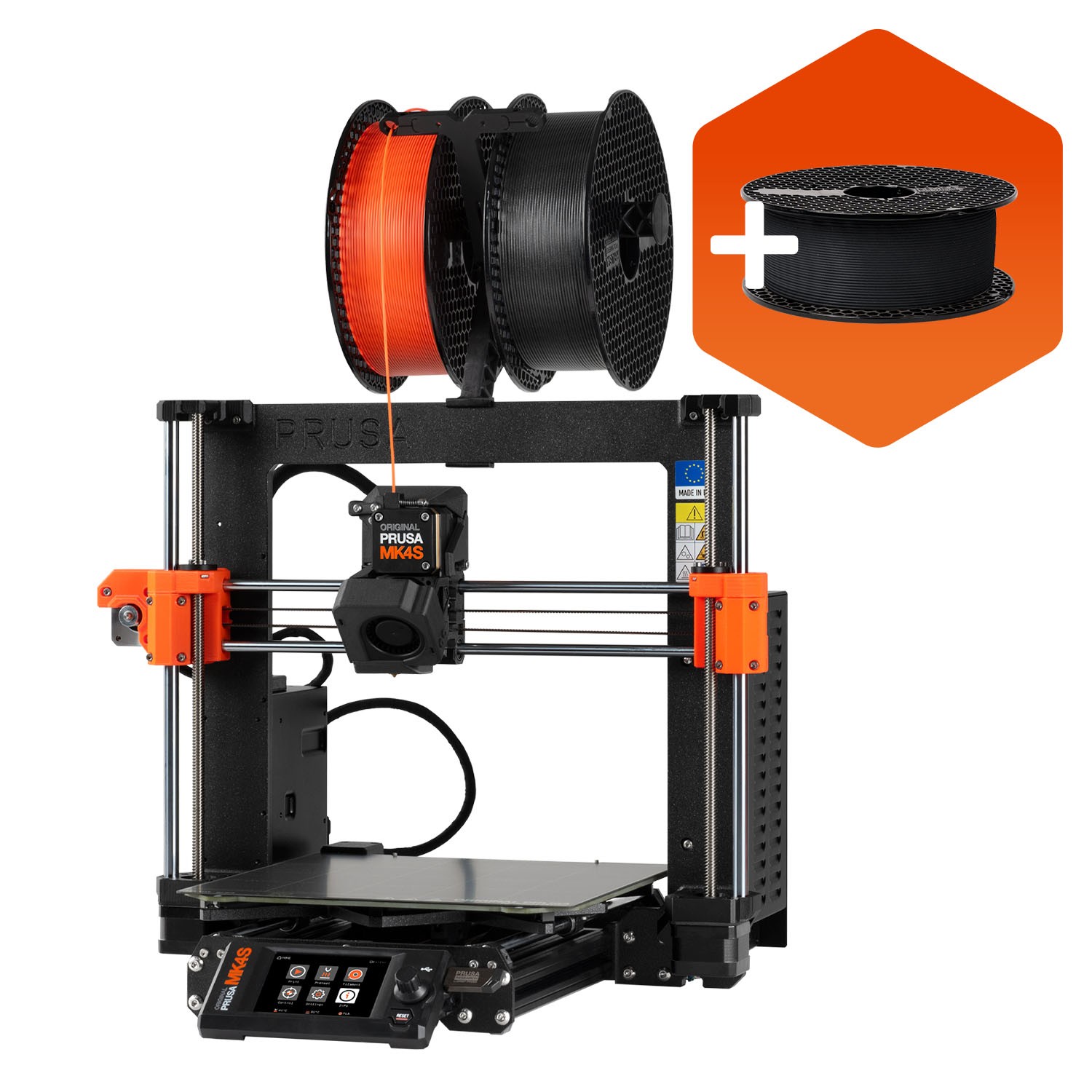
It is a simple build of about 8-10 hours if you go by the book (included) and the videos while you're building it. I built mine over 2 days and was printing after running the calibrations a couple of times.
I have had 'zero' issues with this printer other than those that were self-inflicted.
The support is second to none, the updates to both the printer firmware and the Prusa Slicer software are constant. These are not 'bug' fixes as genuine improvements in the software dedicated to performance and features. Sounds like a commercial, but it is actually the truth.
I was not familiar with anything when I started, I just jumped into the deep end. The CAD was/is the caveat for me. I have had no training, but I am persistent and have some patience, I am more comfortable with it all at any rate.
No matter which printer or what route you choose, I will be more than happy to assist with anything I am able.
If you have any questions about any printer, let me know, I am here to help.
Best, Steve (LB)
Leave a comment:
-
-
CR, I am deleting your post. You have included a hyperlink to "https://43dprint.org/abs-3d-printer/" which is outside our advertising policy. If you would like to have a free header banner ad here at Hobby Squawk, contact Aros and see if you are qualified to do so. In the future any further embedded links by you will be treated as Spam and your account closed. Respectfully, LBOriginally posted by CharlieRodriguezLeave a comment:
-
BF, Welcome to Hobby Squawk. Your Comment is well made. As one of the moderators here, I am concerned that you are bordering on spam by including a hyper link to paper printers and not actual 3DP printers. Please refrain from this in future posts. Respectfully, ElbeeLeave a comment:
-
What materials do they use for 3d print? I use them for different varieties of plastic, mainly ABS and PLA. ABS is what LEGOs are made from.
If you are people also looking for the best printer for homeschool so you can also check out the deatils.
Leave a comment:
-
I mostly agree with this. There is definitely a wider selection available in 1.75mm, and stock levels seem higher too. When a new material comes out, invariably it's only in 1.75mm for some time. It can be a struggle to find specialty materials for 3mm. I own a Taz 6, which uses 3mm filament. It's been a great machine but the filament selection beyond PLA, ABS and PETG is frustrating.
Leave a comment:
-
Here was my biggest misunderstanding before I started 3D printing - I kept looking at "minimum layer height" supported by the printer and thinking that would be the limitation on feature size. But what determines fineness of feature size is really the diameter of the nozzle. There is a sweet spot for the ratio of layer height to nozzle diameter. I use about 2 to 2.5 ratio, so for example 0.2mm to 0.25 minimum layer height on a my printer with 0.5mm nozzle. The stepper motor for the vertical axis on that printer has about 800 steps per mm, so that is not a limitation. The limitation is the nozzle size. Seems to me the most popular nozzle diameter these days is 0.4mm. I ended up getting one with 0.25mm and one with 0.5mm. Of course the bigger nozzle prints faster, but cannot do as fine a detail level.
One other thing you might want to consider in printer selection - I believe there is better supply in 1.75mm filaments than 3mm filaments. There is not a huge difference, and many filaments come in both sizes. But from looking around on Amazon, it seems to me 1.75mm size has a little more selection.Leave a comment:
-
Thanks Elbee I really appreciate the response. I will take your advice and download the slicer software and start experimenting with some stl files. I know it will be a learning process but I look forward to one day designing my own parts for my models. I will keep coming back to the forum for assistance as I move forward. ThanksLeave a comment:
-
Randy H, If you have browsed this thread, then you have a pretty good idea how to find STL Files online. Getting started is simple, "Buy the Machine of Your Choice" and learn all you can about setting it up, any and all available Firmware, and which plastic materials you plan to use for your prints. I print PLA, PETG, and a little ABS. I want to try Nylon for gear struts and mounts soon.
There are many "ewe-toob" videos for Creality, Prusa, and other printers. Take time to visit the "Support" pages of the printer manufacturers and see how much support from the OEM there is. Again, firmware, spare parts, How To vids, Blogs, Forums. These are good to have access to when first setting up your printer and after should you need quick assistance.
A good Slicer Program is a must, most are Cura based, I believe, I use Prusa PE and it is compatible with many 3D Printers, it is updated frequently, and it is pretty simple. Even before you you buy a printer you should download a Slicer Program and download some STL files and 'mess around' a bit with the options and setups. I did that while waiting to take delivery of my Prusa Printer.
The designing bug will find you eventually, when you can't find the part you want to add to your airframe. A simple and effective design program is AutoDesk TinkerCAD and it's bigger brother Fusion 360. I use both now, but did a great deal of designing with TinkerCAD and still do, frankly. The great news is for all of us as more and more modellers jump in to 3DP, the more options there will be available to us all.
Thingiverse, Cults3D, 3DLabs, RCGroups and right here at The Squawk, there are STL files. In some cases there is a cost, but mostly not. Also, there is a demand for 3D printed parts, so an opportunity is there to print for others in the community. How or if you do that would be entirely up to you, obviously.
The thing that captured my imagination was the ability to use the 3DP technology to make parts for my airplanes that I had scratch built successfully for years but just couldn't get it quite right in my mind's eye. I still suffer from that; however, I am a d@mn site closer than ever before and able to quickly resize or adjust parts now without a complete redo.
Hope I've assisted in some way. Happy Printing. Best, LBLeave a comment:
-
Hello I have been looking over this web site and have been thinking of getting into 3D printing. I have been in the hobby since the 60's have mostly built my models from kits or plans and mostly scale (ME-109, top flite Spitfire, Dave Platt FW 190 D etc). Kits are getting more scarce so I have gotten four foamies from freewing which are great (Spitfire, FW-190, TA 152 and Bearcat). But I get the most pleasure from building and I think that getting into 3D printing and making parts etc would be fun. So far in my research I have narrowed my choice of printer to Creality CR-10 V2 due to price and options. Also I do not plan to do any design work anytime soon just plan to use files that are already made up. Just want everyone's input on how hard it will be to get started and what are some things to be watchful of. ThanksLeave a comment:
-
And they fly beautifully too. Super smooth. So far every one I flew has been spot on.Leave a comment:
-
-
Here is the F86 with a freewing 90mm fan installed running 6s. 2 3s in series.Leave a comment:
-
GT, Thanks for the source. rifleman_btx and some others have printed several of 3DLabs Designs. I have printed their F-86, but never had an EDF system to install in it. It was a challenge even with a Prusa printer to get consistently good prints with the thin wall structure. Their designs are amazingly good and fun to print. After I had printed some parts, I had to do some recalibrating of my Printer: basically 'z' height, first layer height, the easy stuff and all my prints were better after that. Looking forward to pictures of your 3D printed airframe. Best, LBLeave a comment:
-
One great source of 3D printed planes is 3Dlabprint.com. They give STL files that will work with any printer, but they also include gcode files specifically for Prusa I3. I converted the STL files into similar files for my printer (which is not Prusa) and it took a TON of time. Really, it was an unbelievable amount of boring computer work. If you are interested in RC airplanes, this might be a consideration. It would be really convenient to have a Prusa printer if you plan to print any model that 3DLabPrint sells.Leave a comment:




Leave a comment: