Futaba T8J w/ XK123 Settings?

Collapse
X
Collapse
First Prev Next Last
 
  • Time
  • Show
Clear All
new posts
  • RPW
    Warbird Flyer

    • Mar 2017
    • 3
    • Cincinnati, OH
    • Send PM

    #1

    Futaba T8J w/ XK123 Settings?

    OK, so I am new to helis, but not new to flying. Bound my T8J to the XK123 without issue, but have no idea what the settings should be in the Tx (where is the 3D / 6G setting?). It flies & hovers, but the controls seem ultra sensitive, like it's in 3D mode - what am I missing?
    Appreciate any help...
  • RPW
    Warbird Flyer

    • Mar 2017
    • 3
    • Cincinnati, OH
    • Send PM

    #2
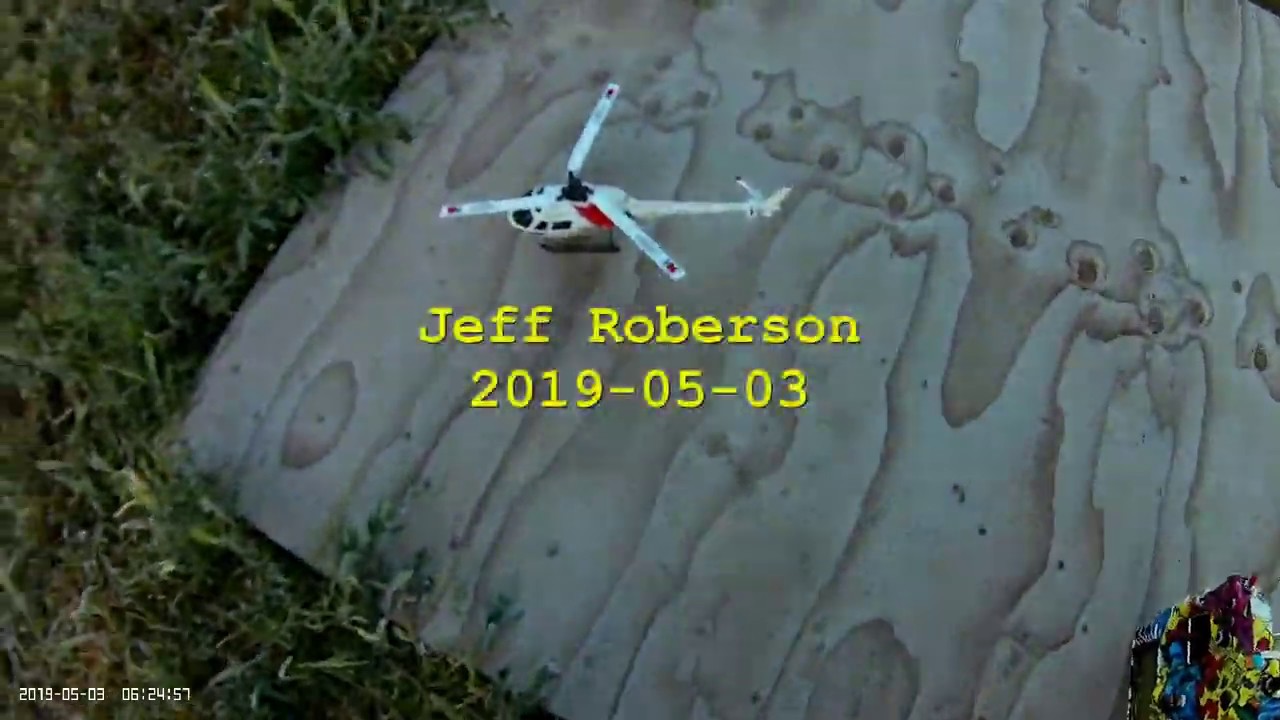
    Here's what it looks like with the throttle off - not sure why the blades are angled down like this - do I need to adjust my end points? Please help...

    Comment

    • ridgerunner
      Hobby Squawk Student Pilot

      • Nov 2017
      • 275
      • Central Utah, USA
      • Send PM

      #3
      Originally posted by RPW
      ... have no idea what the settings should be in the Tx (where is the 3D / 6G setting?). ...
      CH1 = Ail
      CH2 = Ele
      CH3 = Thr
      CH4 = Rud
      CH5 = Stability mode: 0-49 = 6G (stabilized), 50-100 = 3D
      CH6 = Collective Pitch

      Note that CH5 stability mode is binary - anything greater than mid point is 3D and anything less than mid point is 6G (stabilized).

      If this is your first CP heli, be sure to use (dramatically) reduced rates (50%) on cyclic and collective (70%). These helis have a LOT of throw (i.e. collective range with 100% throws give +/- 20°+, which is WAY more than you need - +/- 11°). If you run 100% rates it will be very twitchy (and the CP will easily stall and bog the motor down).

      The K123 is one of my favorite helis and is a great flyer! It can even do mild 3D...


      As a heli newbie, I highly recommend checking out John Salt's excellent website:

      RC Helicopter Fun!

      Comment

      • Beta_Grumm
        Member

        • Apr 2020
        • 20
        • Moscow, ID
        • Send PM

        #4
        If your throttle is all the way down and your blades look like that, it's because they are giving negative pitch as it is setup in your radio. (And that is quite a bit of negative pitch.) This tells me you're in 3D mode.
        Check the pitch curve in your radio, you'll notice that when your throttle stick is at its lowest, the pitch curve is set to negative pitch. (or 0% depending on how your radio lists its values) This is usually the case for 3D mode as you want to be able to apply full negative pitch while inverted, but you may of course adjust it to whatever you prefer.
        If you switch to 6G mode, I would expect the lowest pitch value to 45% or 50% (slightly negative pitch or 0 degrees pitch).

        Comment

        Working...