You must Sign-in or Register to post messages in the Hobby Squawk community
Registration is FREE and only takes a few moments

Register now

Announcement

Collapse
No announcement yet.

A3 Pro Help

Collapse
X
Collapse
First Prev Next Last
 
  • Filter
  • Time
  • Show
Clear All
new posts

  • A3 Pro Help

    I'm wanting to put an A3 Pro in my 1600mm Spitfire but have run into a couple of problems I'm hoping someone can help with.

    1. As I plug in the battery the control surfaces go through their dance; ailerons, elevator both finish in their neutral position, but the rudder ends up hard right, all the way to the stop. It won't respond to any input from the transmitter. Any idea what's causing this and how to fix it?

    2. This is just plane annoying, how do I assign the gyro to a switch? There's nothing in the manual and none of the videos I've seen discuss it. I guess its so basic I'm going to be kicking myself, but I'm blank on it.

    Any help would be appreciated.

  • #2
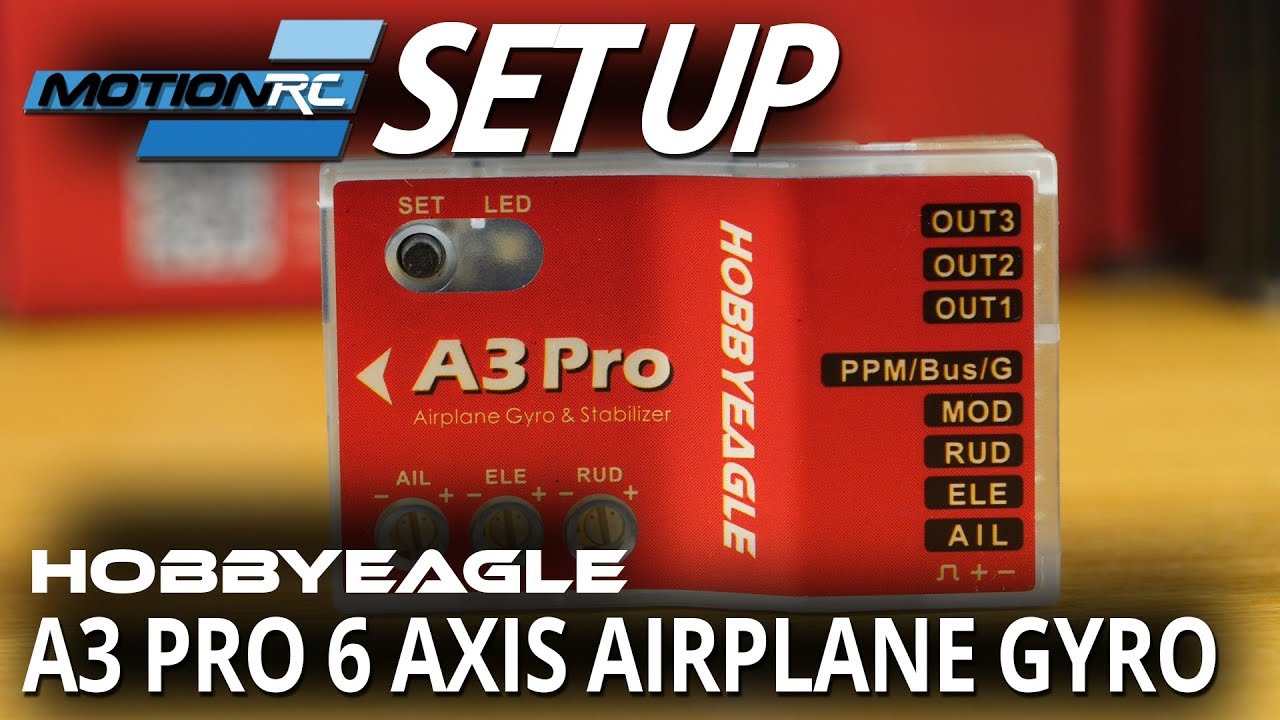
    The HobbyEagle A3 Pro is actually the precursor to the current A3 V2. It is the most basic gyro (3-axis, 6-axis) you can buy for an airplane. Your rudder situation could be caused by several things and without seeing what you've done, it would be very difficult to tell you how to fix it. It could be something to do with polarity of the plugs going in and out, being plugged into the wrong ports, improper gain on the rudder axis, position of the airplane on the bench, etc. or how you've selected (knowingly or not) which mode to use as a default. As far as how to assign a switch, there are two ports, labeled "S.Bus/gain" and "mode". The S.Bus/gain can be used as a "master gain" and should be plugged into an open channel on your TX that is controlled by a rotary knob. This can then allow you to dial in gain from zero to 100% of the gain pot settings. The "mode" port can be plugged into any open channel on your TX that can be linked to a 2-position or 3-position switch (depending on what you want it to do). How you assign a switch to that port has to do with your knowledge of your transmitter, not what you know about the A3. Your Spitfire is likely a 6-ch airplane. If you are using a 6-ch RX, none of this is possible. You won't be able to change the gain in flight because you don't have an extra channel to assign the rotary know to and you won't be able to select "modes" because you don't have an extra channel to assign a switch to. Notice in the video that he's using a 7-ch RX and he's only using the "mode" function. He'd need an 8-ch RX if he wanted to use both the "master gain" and "mode".
    There is actually a lot of information on the internet about this gyro. Here's a YouTube video from Motion showing how you can set one up:


    Here's a link to the A3 V2 that might give some useful information. The V2 is going to be similar in the way you set it up.


    Do a Google search for "HobbyEagle A3 Pro" and you'll see more information.

    Comment

    Working...
    X