


Have you watched the set up video for the Gyro? If not here is a link to setting it up. https://www.motionrc.com/collections...gyro#video-tab
I try to use the Aux 1 Port on the receiver for Spektrum if possible as then you just need to turn on the Flaps and make adjustments there by changing the %'s to get the color Light for the Mode you want at that Switch Position. If you are using other Ports then simply assign a switch to control that Channel on the receiver. Most of the Programming is done in the Gyro so basically all the Radio is doing is setting up a Mode Switch.
-
I have a Dx9 and trying to figure out how to set up the A3L on the radio. Can anyone help me with the set up? I just need to know the radio settings. Thanks much.Leave a comment:
-
Hey Tom, first of all, welcome to the forum!!
The control throws looking huge are the norm, don't worry about it. The gyro, at least for me, has the little adjustment screw between 1100 and 1 o'clock for the sport mode and zero for the 3D mode. Check that the controls are working in the right direction first of all. Take off without the gyro on and get three mistakes worth of altitude. Briefly switch the gyro on and off (once). that's all it will take to tell you if everything is set up correctly. If it is, it will fly normally, if it isn't, well, it won't.
If you've checked the plane by swinging it around its axis and making sure that the gyro is reacting to counter the swing, then you should be fine. Best to do these checks with the sensitivity screw at 100%, then, when you figure its good, roll it back to around 11 to 1 o'clock.
If you find that the plane does something unexpected, try to figure which control surface(s) caused it, it probably needs to be reversed. that split second of on/off will tell you. If it flew fine, switch it on again, it should be good.
I have A3L's in all my planes and I love them.
Grossman56Leave a comment:
-
Let us know how it works out. Good luck and I think you're going to like it!!
BillLeave a comment:
-
I just joined this site and found all the answers I needed on the A3-L. Woo Hoo! I just picked up a nice used Fly-Zone Extra 300 that has the A3-L gyro in it. I added a 6 channel Spektrum receiver and followed the instructions for the gyro. It appears to be working properly but I too was concerned that in normal gyro on mode the throws were twice as much as I had them set up for with the gyro in the off position. Test flight tomorrow. I will take off with the gyro off and switch to normal at a safe altitude and see what happens. TomLeave a comment:
-
I am really a fan of these gyros now and have them in a half a dozen planes (both conventional balsa and foam planes). I use them in "normal" mode full time. I usually fly my sport planes on low rates, and have never felt a difference in the responsiveness of the planes when the gyro was switched on in flight regardless of what the control surfaces did during pre-flight checks. So I believe the Hobby Eagle manual.....you just have to ignore the amount the control surfaces move on the ground and just give the gyro a try at a safe altitude. You should make sure that you have the plane properly trimmed with the gyro off first since the gyro sets what it uses as the neutral positions for the control surfaces when you initially power the plane on the ground. So trim, then land and re-power the plane so the gyro "sees" the new trimmed positions.
It's also obviously essential that the gyro is causing the control surfaces to respond in the proper direction. The easy way to check this is to remember that "the control surface always leads" the movement of the plane. So, if you lift the tail the elevator moves up. If you move the tail to the right the rudder moves right. Right wing up and right aileron goes up etc.
These gyros won't fly the plane for you but they definitely smooth out flight when the wind picks up. They make any plane fly like it's a bigger plane without the physical size and expense. I fly near the SC coast and it's generally breezy and they have really increased my confidence and enjoyment of flying when the wind starts to pick up. Good luck with yours.
BillLeave a comment:
-
Bill, thanks for the reply. I do remember reading your quoted text, I appreciate your translation as I was having trouble deciphering what it really meant. I currently have another A3L on order and should be here tomorrow for another project.
Thanks for the help.Leave a comment:
-
MigPilot47,
The A3-L manual adresses this. Here is the direct quote:
"When the gyro is activated, you might see that the range of movement of the servo become much larger than before when moving the sticks. This is normal but not a problem because a rotation rate set point has been applied to the outputs by the gyro. The sticks are not only used to control the movement of the surface, but also the rotation rate of the plane in that axis. Anyway the controller will not change the settings of dual rate or expo in your transmitter. The settings will always work in any flight mode."
I leave mine set to normal mode all the time and find that it improves takeoffs by helping to counteract single prop torque. Give it a try and let us know what you think.
BillLeave a comment:
-
Hello everyone, I recently installed the Hobby Eagle A3L in my Dynam F6F Hellcat. I'm really enjoying it and I'm not sure why I haven't dabbled with gyro assisted flight sooner. I guess I'm old school and slow to adapt to new technology.
Anyway, I have a question regarding servo throws and end points when using a gyro. I'm using a DX8 transmitter and Spektrum receiver just for reference. I have the gyro set up on a three position switch with off, normal, and 3d which I'll never use. Currenty I'm taking off in the off position and switching to normal mode for my flight. I've noticed that in the off position my servo throws and endpoints are what I've set up in the transmitter. However, when switching to normal mode my throws and endpoints are at maximum. Is this completely normal and how the gyro is supposed to operate in normal mode? Are the throws reduced in normal mode when the plane is actually in flight? I've been leary to take off in normal mode as I'm unsure of my actual throws.
Thank you for any help that can be sent my way as well as to Captain Ryan for his great reveiws.Leave a comment:
-
With Hobbyeagle gyros, you only have to level them once and that's during the installation. Once done, re-leveling isn't required. I own 25 aircraft with 24 of them having either a Hobbyeagle Super or Super II gyro. All of them have worked superbly!Leave a comment:
-
All my taildraggers, which is every plane I own, sit on the runway, then I plug them in, sometimes even the benches aren't very level. I don't raise the tail or anything, it compensates for that.
So, I guess my question is , how did you do that Doc?
Just curious.
Grossman56Leave a comment:
-
Something I learned the hard way... I forgot to level a plane before plugging in. The gyro, of course, thought nose high was level. OOPS! DocLeave a comment:
-
Upon further investigation, you need the interface cable to set it up via a cell phone (sorry, don't believe in them) or you PC.
The cable runs $21, so its more expensive than going the 7 channel receiver with an A3L
Grossman56Leave a comment:
-
No, I haven't tried it, even accidentally, I just turned the set screw down to nothing so if I did hit it on, I don't think anything would happen.
There is a gyro model that you can click into 3D as an option. The A3, it also gives you a sort of panic mode option as well, which is why I bought it, when the wife gets flying the Pandora, she has a fail safe. Turn it on and the plane goes to level flight, haven't tried it yet, hmmmm. I just never get into panic mode with the Pandoras.
With the new Mustang, I just have a 610 receiver in it with no gyro as I had some spare rx's laying around after I converted everyone else to 7 channels so I could put a gyro in them. Now, I'm debating whether I want to upgrade her to a 7 channel and use an A3L, or I'm thinking I may try and all in one like the AR 636
With built in AS3X, just to try something new.
By the time I purchase the seven channel receiver an AR7610 at $89.99 and then an A3L at $23.90, it's more cost effective to go the AR636.
Food for thought, again, I don't know how they perform, but I'm guessing they're pretty good from some of the flight demos with them in other planes
Grossman56Leave a comment:
-
I totally agree with how the plane feels with it. It flies smoother. I also shut down the 3D mode. Ileft it out of the programming so there is no way I can accidentally turn it on.
Have You tried the 3D? What exactly is that? If you put a plane into a knife edge and hit the switch it will hold the plane in that position for u?Leave a comment:
-
They are handy in a cross wind situation, and hey, you can always switch them off and just use them for crosswind, I just like the way the plane feels with the gyro on.
Grossman56
Leave a comment:
-
I cant believe I waited so long to try these things. They make crosswind landings sooooo much easier! I'm gonna order a few more. Thanks Ryan for the vid for setting up the DX6i.Leave a comment:
-
Most planes have positive aerodynamic stability. So gyros or other flight stabilizing apparatus are not needed.
Now I often find it fun to eliminate some of this aerodynamic stability and augment it with gyros or other sensory control devices.
Back to the Funjet, why did you add the gyro? Why are you effectively removing it and are you removing it on all three axises?Leave a comment:
-
Thanks for the input, guys. I'm turning the gain down in my Multiplex Funjet to the point that I really don't need the gyro. DocLeave a comment:
-
Isn't oscillation an indication of too much gain. Usually as a result of a system that is too slow to react to the gyro. Deltas and flying wings in general often have too much static margins of stability at speed forcing you to add down trim as speeds built up. These excessive margins tax the system to respond in sync with the gyro. To address this it is often best to use the fastest servos practical in all gyro applications.
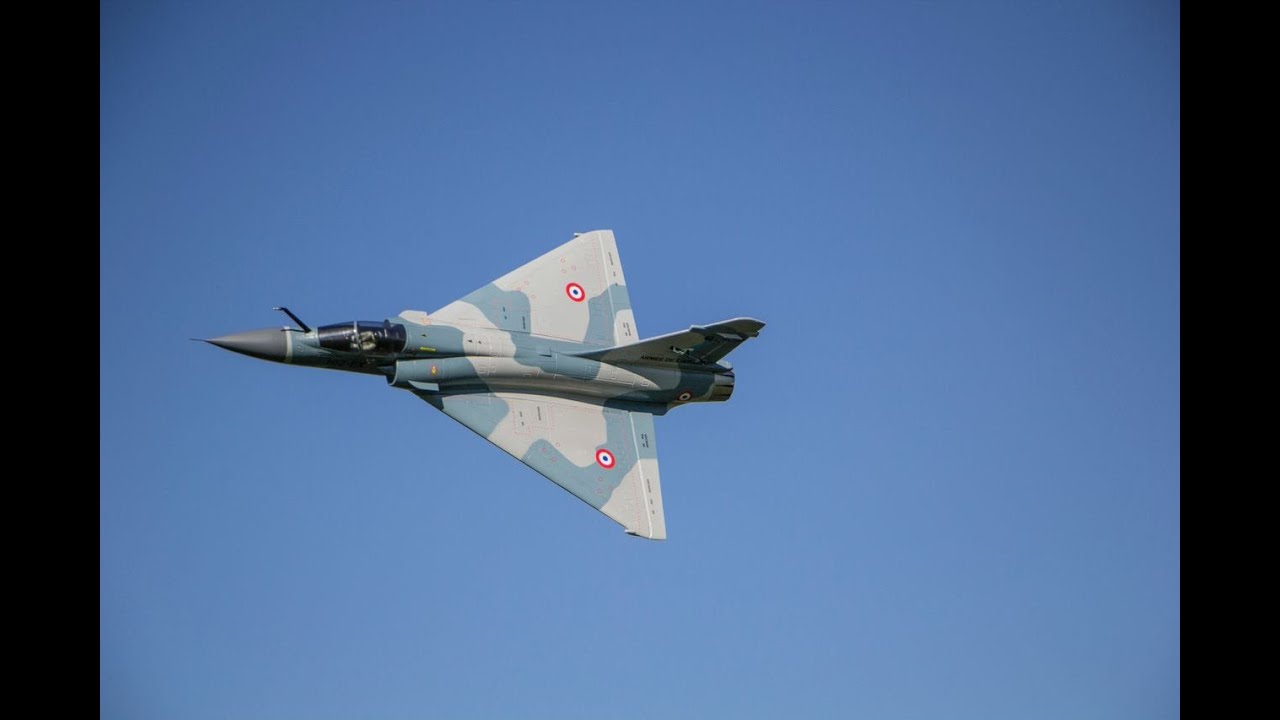
BTW; the only real issue I have with my Mirage 2000 is that the TE is one piece. Freewing should have split the aileron function to separate servos. OK, the wing is a bit too thick.Leave a comment:


Leave a comment: