
You must Sign-in or Register to post messages in the Hobby Squawk community
Registration is FREE and only takes a few moments

Register now

Announcement

Collapse
No announcement yet.

Official 3DP Thread

Collapse
X
Collapse
First Prev Next Last
 
  • Filter
  • Time
  • Show
Clear All
new posts

  • fhhuber
    replied
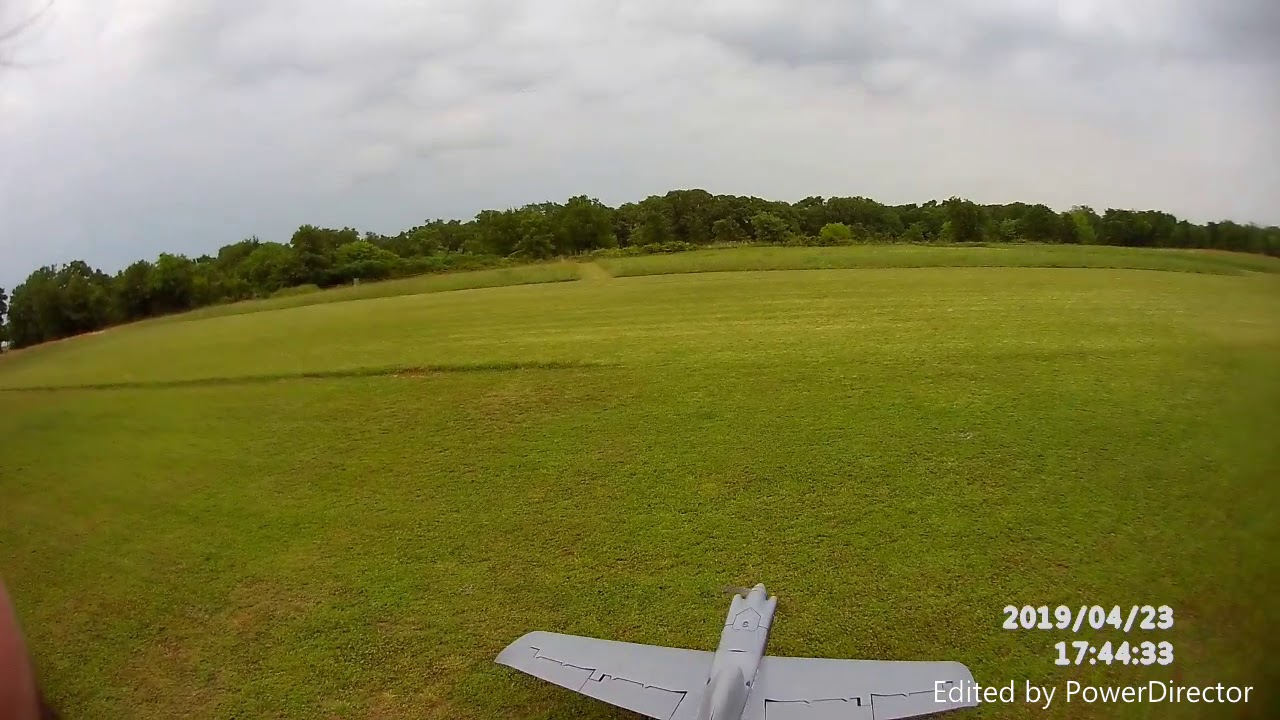
    Printed a few silly little chuck gliders... Now trying an RC flying wing

    DISCLAIMER: I highly recommend that you have experience with flying model aircraft. This is NOT a beginner plane and will most like end in a failure if you are not familiar with flying model aircraft. Fly at your own risk.Short build and flight video: https://www.youtube.com/watch?v=p39iE-oc5M8The CG position is marked on the bottom of the fuselage with 2 circle cut outs.Plane specifications:Wingspan - 95cmRoot chord - 16.3cmTip chord - 11.5cmSweep angle - 15 degreesDry weight (no battery) - 468gFlying weight - 670gThe CG position is marked on the bottom of the fuselage with 2 circle cut outs.General Print settings:Material - PLA (1.75mm)Nozzle diameter - 0.4mmWall thickness - 0.5mmLayer height - 0.2mmPrint settings for the wing sections:Temperature - 215 degrees CelciusPrint speed - 25-30mm/sCooling fan - offInfill - 0%Top layers - 0Bottom layers - 1 (for bed adhesion)Outer layers - 1Print settings for other parts:Temperature - 200 degrees CelcuisPrint speed - 60mm/sCooling fan - onInfill - 15%Top layers - 3Bottom layers - 3Outer layers - 2NOTE, the fuselage and canopy will require supports. I printed the canopy with the motor mount on the bed and supports from the bed to the rear of the wing. The canopy will require support for the overhang in the center and for the small tab. All other parts can be printed without support.Electronics:ESC (x1) - http://ubuyadrone.com/ubad-30a-angry-beast-mini-esc/5V Regulator (x1) - https://www.banggood.com/10Pcs-Mini-DC-Adjustable-Power-Supply-Buck-Module-Step-Down-Module-p-999753.html?p=LT0710618750201406EKServos (x2) - http://www.banggood.com/TowerPro-MG90D-13g-Metal-Gear-Digital-Servo-for-RC-Models-p-982060.html?rmmds=searchLT0710618750201406EKMotor (x1) - http://www.banggood.com/Emax-RS2205-2300-Racing-Edition-CWCCW-Motor-For-FPV-Multicopter-p-1028793.html?rmmds=searchLT0710618750201406EKBattery (x1) - http://www.banggood.com/XF-Power-14_8V-1800MAH-4S-45C-Lipo-Battery-XT60-Plug-p-1059100.html?rmmds=searchLT0710618750201406EKOther parts:Propeller (x1) - http://www.banggood.com/2-Pairs-DALPROP-J6045-PC-Propeller-CW-CCW-For-QAV250-ZMR250-280-300-RC-Multirotors-p-1056439.html?p=LT0710618750201406EKGlue Medium CA (x1) - https://hobbyking.com/en_us/hobbyking-super-glue-ca-50g-1-7oz-medium.htmlCanopy Magnets (x1 set of 10pcs)- https://hobbyking.com/en_us/strong-rare-earth-button-magnets-10pcs-set.htmlPush Rods (x2) - https://hobbyking.com/en_us/nylon-clevis-20mm-original-color-10pcs.htmlPush rod clevis (x4)


    The nose has started printing.
    I might have a printed plane in about a week...

    Leave a comment:


  • rifleman_btx
    replied
    8 of 12 printed and glued together

    Leave a comment:


  • slamdance64
    replied
    Well, I am having no problems printing with PETG now. I think that it will be my go to as well. I will be printing my cockpit set for my A-10 from DirtyDee in PETG in between our OpenRC F1 cars.
    I will try to fit in a MiG-15 part or two as well.

    Leave a comment:


  • Gilatrout
    replied
    Originally posted by slamdance64 View Post

    That's a nice setup Gilatrout. I am sure that I have a spare 19" rack mount drawer (or sliding version) for a Surface. I may just put in a rasberry Pi Zero W so I can print direct from my PC. We will see.

    I am having a second attempt at printing PTEG, as my first attempt I read that it may be super stuck to the bed so use windex instead. Well all that did was peel from the bed. That was a learning exercise. I had to use acetone to bring the print bed back to normal. Things are going much better the 2nd time :-)
    I generally prefer PETG these days. Some thermal resistance, but still fairly easy to print.

    I'll have to try the Windex thing because if the print cools it's almost impossible to remove from the bed.

    One thing I didn't mention is I have a foam mat under the printer to dampen vibrations. Just a simple black craft foam rectangle I got from Hobby Lobby. You can find it in the kids crafts section there.

    Right now I'm working on a charging case that uses both 3D printed and laser cut parts. It's coming out really nicely. I should start a thread on it. I've also recently made a scaleish pitot tube for the big Carbon Z Cessna I'm repainting. It's plumbed for the Spektrum airspeed telemetry module, but I haven't decided to include the module in the finished plane.

    Leave a comment:


  • slamdance64
    replied
    Originally posted by Gilatrout View Post

    Here is my Lack enclosure. I embedded IKea LED puck lights in the top. There is also a smoke detector just in case.

    Also the space between the legs is exactly 19inches so standard A/V and computer rack mounted gear can be attached. I added a shelf holding an old Surface 1 computer and a pull out keyboard below to drive updates etc.
    That's a nice setup Gilatrout. I am sure that I have a spare 19" rack mount drawer (or sliding version) for a Surface. I may just put in a rasberry Pi Zero W so I can print direct from my PC. We will see.

    I am having a second attempt at printing PTEG, as my first attempt I read that it may be super stuck to the bed so use windex instead. Well all that did was peel from the bed. That was a learning exercise. I had to use acetone to bring the print bed back to normal. Things are going much better the 2nd time :-)

    Leave a comment:


  • rifleman_btx
    replied
    Thanks brother! Im very happy with this plane. Very few headaches involved here:Cool:

    Leave a comment:


  • Woodcock
    replied
    Good Job rifleman!

    Woodcock

    Leave a comment:


  • rifleman_btx
    replied
    Video of the Edge flying

    Leave a comment:


  • Elbee
    replied
    That is soooo cool. I like the add-on for the laptop. Well done, GT. Best, LB

    Click image for larger version

Name:	IMG_0003.JPG
Views:	690
Size:	75.6 KB
ID:	191296Click image for larger version

Name:	IMG_0004 (2).JPG
Views:	643
Size:	119.3 KB
ID:	191297

    Leave a comment:


  • Gilatrout
    replied
    Originally posted by Elbee View Post
    SD64, Welcome to the 3DPUP and I, too, have an i3Mk3 and simply love it. :Cool: The Ikea enclosure is a great upgrade, I had a little problem with the parts cracking with the mismatch sizing of the Lack Table parts with the 3DP parts. Easily solved with the assistance of clear Gorilla Glue and a bit of patience. Not wanting to be presumptuous, if I can be of any help, just let me know. Best, LB
    Here is my Lack enclosure. I embedded IKea LED puck lights in the top. There is also a smoke detector just in case.

    Also the space between the legs is exactly 19inches so standard A/V and computer rack mounted gear can be attached. I added a shelf holding an old Surface 1 computer and a pull out keyboard below to drive updates etc.

    Click image for larger version

Name:	IMG_20181227_083858.jpg
Views:	412
Size:	80.5 KB
ID:	191288

    Leave a comment:


  • Elbee
    replied
    SD64, Welcome to the 3DPUP and I, too, have an i3Mk3 and simply love it. :Cool: The Ikea enclosure is a great upgrade, I had a little problem with the parts cracking with the mismatch sizing of the Lack Table parts with the 3DP parts. Easily solved with the assistance of clear Gorilla Glue and a bit of patience. Not wanting to be presumptuous, if I can be of any help, just let me know. Best, LB

    Leave a comment:


  • slamdance64
    replied
    I have put my Prusa I3 MK3S printer together and after only having 1 problem, it's up and running. I am waiting for a SD card writer for my PC so I can produce some real airplane parts (and weapons for my A-10 and F-4). I really love that I can get all of the PLA or PETG from Amazon rather quickly too. My 8 yr old son is more impressed by the Dragon and the batarang's that come with the printer. I got him hooked on a OpenRC F1 car, so that's up on the build queue already (well 2 of them). I can't let him have all of the fun :-)
    So far I can print all I want in PLA as it passes the test with my wife. The printer is so quiet, I wonder if I will be able to hear it when it's in the enclosure soon. :-)
    First up is PETG for printing the Ikea Lack enclosure parts when my SD writer arrives tomorrow.
    Just to be different, I purchased the prints for the Mig-15 so I will post some pics as soon as that SD Writer shows up.

    Leave a comment:


  • rifleman_btx
    replied
    Im happy but kinds sad at the same time seeing that i can get pretty much everything but the reciever from motion. Now that they quit selling frsky S8Rs. All the other components will come from motion.

    Leave a comment:


  • rifleman_btx
    replied
    Think im just gonna run a 6s power system in my F86. Run a freewing 12 blade from motion with the 130A esc combo buy:Cool:

    Leave a comment:


  • rifleman_btx
    replied
    Ive also got an IL2 waiting after this one is complete

    Leave a comment:


  • Hardway
    replied
    Love it! :Cool::Cool::Cool::)

    Leave a comment:


  • rifleman_btx
    replied
    :Scared:This is gonna be one big jet!

    Leave a comment:


  • rifleman_btx
    replied
    Will do, im really enjoying this 3d printing stuff. LOL

    Leave a comment:


  • Hardway
    replied
    Awesome!!!!!! Have fun Bro!!! :)

    Leave a comment:


  • rifleman_btx
    replied
    Starting on the F86.:Cool:
    Attached Files

    Leave a comment:

Working...
X