You must Sign-in or Register to post messages in the Hobby Squawk community
Registration is FREE and only takes a few moments

Register now

Announcement

Collapse
No announcement yet.

Official Freewing MiG-29 Fulcrum Twin 80mm Thread

Collapse
X
Collapse
First Prev Next Last
 
  • Filter
  • Time
  • Show
Clear All
new posts

  • N4Speed
    replied
    Originally posted by Evan D View Post
    Bad y connector?
    Thanks Evan! Please excuse my ignorance, but where would this Y connector be? Is it in the open around the battery compartments or inside behind the aft battery?

    I attached couple of images. The Reverse/Brake feature is cool.
    Attached Files
    Last edited by N4Speed; Sep 24, 2023, 12:34 PM. Reason: Uploaded Images

    Leave a comment:


  • Evan D
    replied
    Bad y connector?

    Leave a comment:


  • N4Speed
    replied
    I just assembled my red star mig-29. The right fan/motor was not running. I swapped the motor and right side still not running. I then disconnected the left side and the right fan runs. It seems that both fans and ESCs are good but if both fans are connected, only the left runs.

    I had a Mig-29 when they just came out and I don't remember having to do anything special to get them running. I did calibrated the ESCs initially but that didn't help.

    Any thoughts?

    Leave a comment:


  • egldriver
    replied
    Well i found out the y connector for throttle was bad. New y harness. One engine would not start till quarter throttle

    Leave a comment:


  • Airguardian
    replied
    Thanks!

    Leave a comment:


  • GliderGuy
    replied
    [QUOTE=Airguardian;n386580]Finally bit the bullet and installed a couple of Promodeler servos on the stabs... long overdue!


    Yep…They saved that last landing.


    Nice flying!!!

    -GG

    Leave a comment:


  • Airguardian
    replied
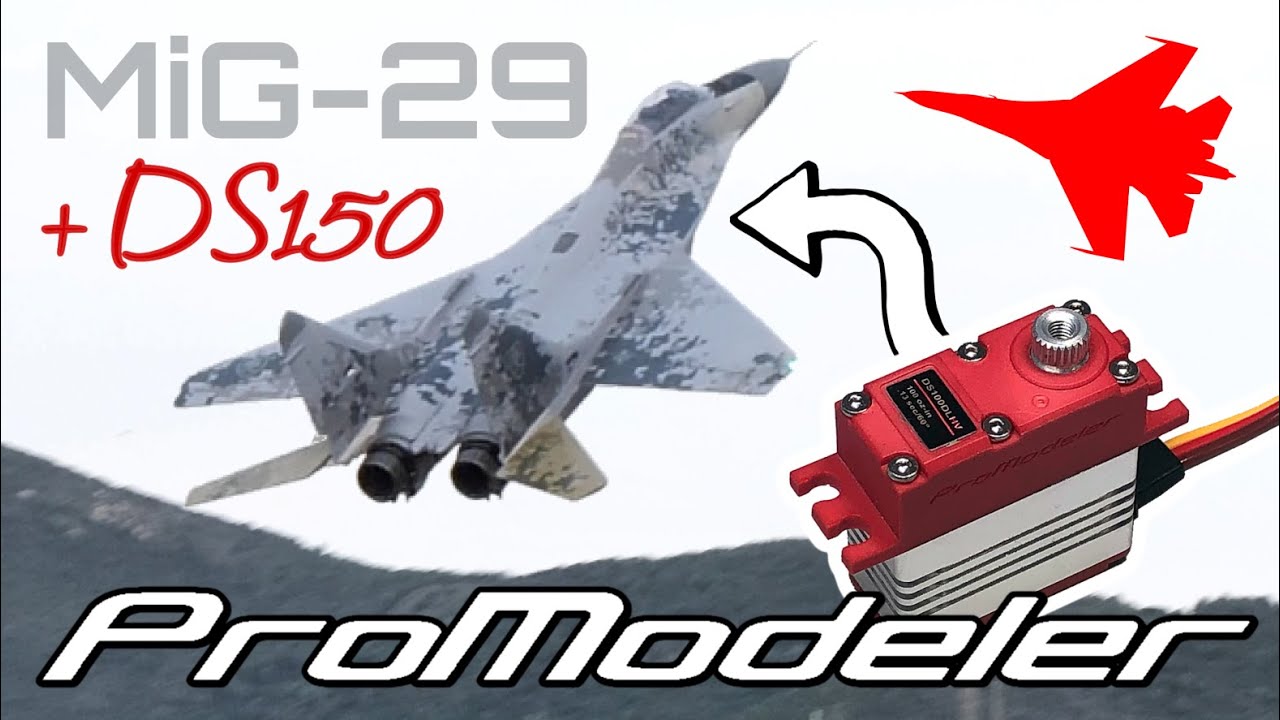
    Finally bit the bullet and installed a couple of Promodeler servos on the stabs... long overdue!


    Leave a comment:


  • egldriver
    replied
    My mig 29 right engine doesn't start till over quarter throttle. Changed motor. Bec quit after 5 flights. Use separate rx battery now. Did calibration. Beeps after battery connection seem weaker than left engine

    Leave a comment:


  • Airguardian
    replied

    Leave a comment:


  • Airguardian
    replied
    Not bad indeed.

    Leave a comment:


  • GliderGuy
    replied
    You will…each sortie adds up.

    Interesting data being gathered, for sure.

    5 planes over time….all MRC stuff:

    With all planes considered, 4,000+ sorties for the below.

    BEC failures = zero
    ESC failures = zero
    Receiver failures = one
    Gyro failures = zero
    Crashes due to radio control loss since starting to use RF chokes = zero​

    And…a relatively few Freewing servo replacements considering. See below.

    Pretty good record of quality.

    -GG

    PS Additional data points…. All use the “same” FW servos….flight control servos only <below>:
    PJ-50 = Replaced one aileron servo
    AL-37 = Replaced 0 servos
    P-38 = Replaced 2 aileron servos and upgraded the elevator servo
    F-4 = Replaced 1 rudder servo and one aileron servo and upgraded the elevator servo
    B-2 = replaced 2 failed
    MiG-29 = upgraded elevator servos and one aileron servo got the jitters

    Some were replaced because they developed jitters. Landing gear servos have proven to be robust with only random failures. Nothing major out of line for this type servo.

    Leave a comment:


  • Airguardian
    replied
    Thanks GG!

    In my mind, I may be the Master of post-stall, but I still think I am a universe away from reaching your achievement of a thousand flights with an EDF!


    Edging slowly closer... but not sure any of my birds will ever achieve the feat, we'll see! :D

    On a side note... I'm really long overdue for a gyro install and EDF upgrade... the jet will benefit massively from both!

    Leave a comment:


  • GliderGuy
    replied
    Originally posted by Airguardian View Post
    No doubt….You’ve mastered the dreaded high alpha lock. Cool opening sequence high alpha flying.

    All bow to the master!

    -GG

    Leave a comment:


  • Airguardian
    replied

    Leave a comment:


  • kallend
    replied
    Originally posted by drscoles View Post
    I hate mixes! It was the only way I could figure it out... much rather assign a channel and work with ATV's from there. In Futaba, I would assign a condition to a switch so that its on or off, then adjust the function with ATV or AFR. example. Nose steering... when you retract gear, zero out nose steering ATV with the retract switch so the nose gear won't move when you are flying... Can I assign a switch to the VT, assign rudder and elevator... then have it disabled or activated with same switch? dual rates would accomplish this, but I can only adjust dual rates for elev,rudd, ail... which is super annoying.


    thanks for your help!
    You can't turn a channel assignment on and off with a switch, but you can turn a mix on and off. That's how I turn nosewheel steering off when the gear is retracted - the mix is rudder -> nosewheel, and the controlling switch is the gear switch. And yes, one switch can be used for several things.

    Leave a comment:


  • drscoles
    replied
    I hate mixes! It was the only way I could figure it out... much rather assign a channel and work with ATV's from there. In Futaba, I would assign a condition to a switch so that its on or off, then adjust the function with ATV or AFR. example. Nose steering... when you retract gear, zero out nose steering ATV with the retract switch so the nose gear won't move when you are flying... Can I assign a switch to the VT, assign rudder and elevator... then have it disabled or activated with same switch? dual rates would accomplish this, but I can only adjust dual rates for elev,rudd, ail... which is super annoying.


    thanks for your help!

    Leave a comment:


  • kallend
    replied
    Originally posted by drscoles View Post
    Perfect thanks! I ended up using program mixes for the TV, but might try to assign channels like you describe instead. Thanks!
    In general you can accomplish things in more than one way, and different people have different preferences. One word of warning, when using programmed mixes to set the values sent on a channel, you probably should set Channel Assign for that channel to "inhibit" or you can get some unexpected results that can be hard to debug, since two inputs are trying to control the same thing**. (Of course, sometimes this is intentional because you want to modify, say, the elevator in response to throttle value, but usually it's just confusing).

    ** This is because Spektrum in its wisdom decided that there would be default switch or knob or slider assignments to some channels, which you may not have wanted or even thought about, but they are there anyway. That's why when setting up a new model it's always a good idea to take a look at Channel Assign to see what's already there by default.

    Leave a comment:


  • drscoles
    replied
    Perfect thanks! I ended up using program mixes for the TV, but might try to assign channels like you describe instead. Thanks!

    Leave a comment:


  • kallend
    replied
    Originally posted by drscoles View Post
    Can someone explain how to set up the reverse channel? I bought an ix10 just to have enough channels for the reverse... I'm a futaba guy, don't speak Spektrum very well, but learning.
    Assuming you know how to use the roller and get into "System Setup".. . . .

    Go into "Channel Assign"

    Scroll to the channel you wish to use for reverse (Ch 10 or "Aux 5", maybe) and use the roller to select the switch you want to use. Anyhow, I'll use this as an example.

    (Depending on which receiver you use, the ports may be numbered or named)

    Click on "NEXT" and make sure that port AUX5 is linked to channel Aux 5 (notice the difference in upper and lower case letters). Ports are the physical slots on the receiver that you plug things into, channels are just somewhat abstract positions in the transmitted data stream. You now have a switch associated with the channel and output port on the receiver. (If this seems weird, it is actually very powerful because it allows you to re-map the output ports in complex models like canard deltas with TV, for example).

    Now use the back button to get back to the main screen.

    Your selected switch will now send an output to port "AUX5" (or 10) on the receiver. You can see what it's sending on the monitor screen. By default for a 2 position switch you will see values of -100 and +100, which are fine for controlling the reverse function on the ESC. Plug the ESC's reverse lead into this port.

    If for some reason these are not the values you see because someone has previously changed them, you can go into "Digital Switch Setup" and once again use the roller to select the switch, and for its positions you can then use the roller to change the values for each switch position. As always, check that the values are correct using the monitor screen.

    Leave a comment:


  • drscoles
    replied
    Originally posted by DCORSAIR View Post

    Oh no, you went to the dark side, you should have gotten the Futaba 16IZ instead...........
    I have two 32MZ's.... Don't wanna take a $3000 radio to the field for a quick foamy flight.....

    Forgive me for getting hung up on Spektrum nomenclature... NX...IX.... Makes complete sense.... LOL. I just want to be able to assign dual rates to every channel like in Futaba!!

    So, anyone care to opine on the virtues of setting up the reverse channel on the magical Spectrum platform??? 🤣 Click image for larger version  Name:	1B1DFA1A-F843-43FF-B21B-AB1C5328186F_1_201_a.jpg Views:	0 Size:	171.5 KB ID:	384755

    Leave a comment:

Working...
X